The SimONE Experience in 3 Steps
1
Create a Session
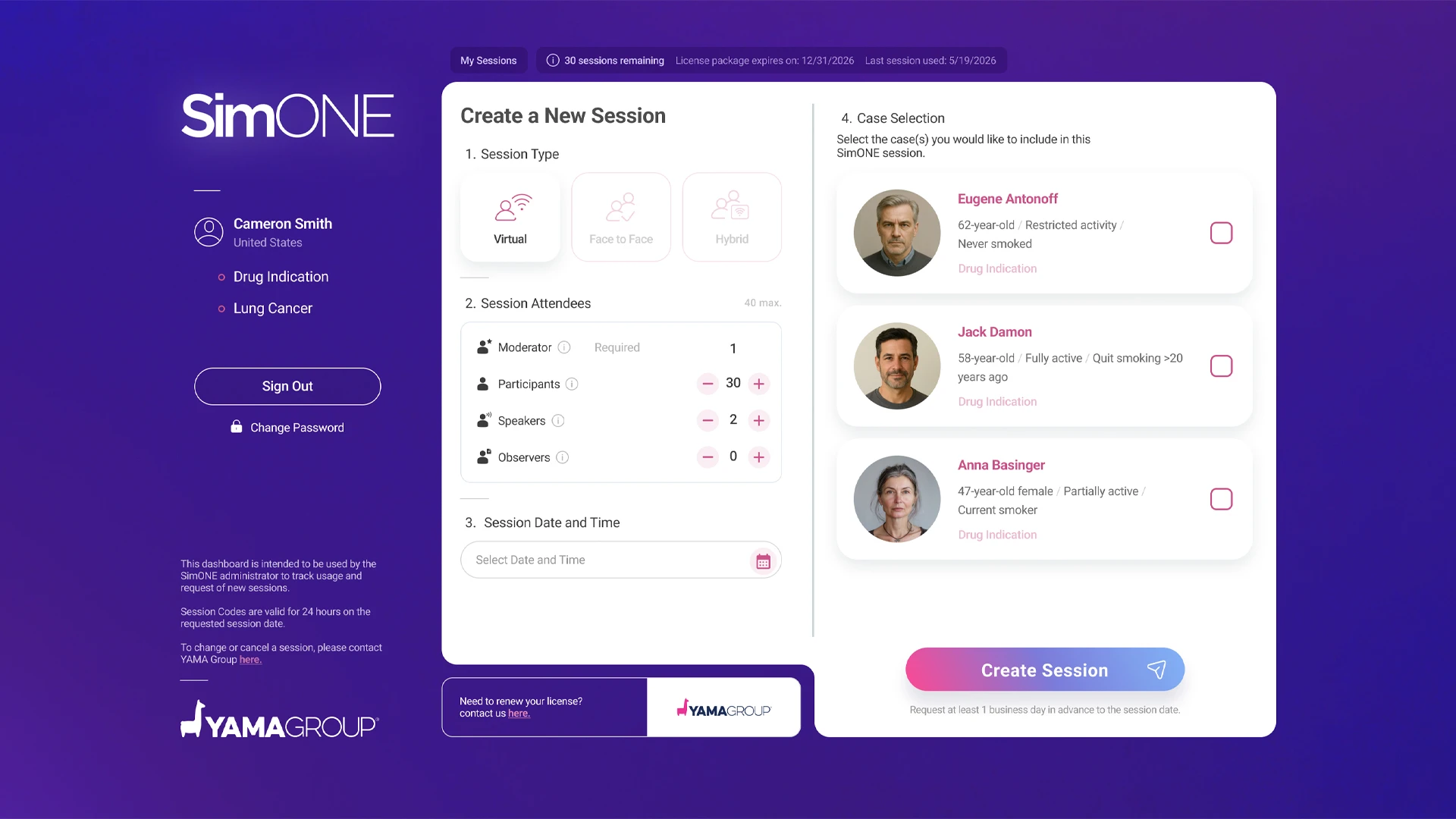
Create your session directly in the SimONE Dashboard — no request or waiting required.
Define:
- Session format (Virtual, Face-to-Face or Hybrid)
- Invited participants per role
- Date, time and time zone
- Case(s) selected for your audience
The session is created the moment you confirm.
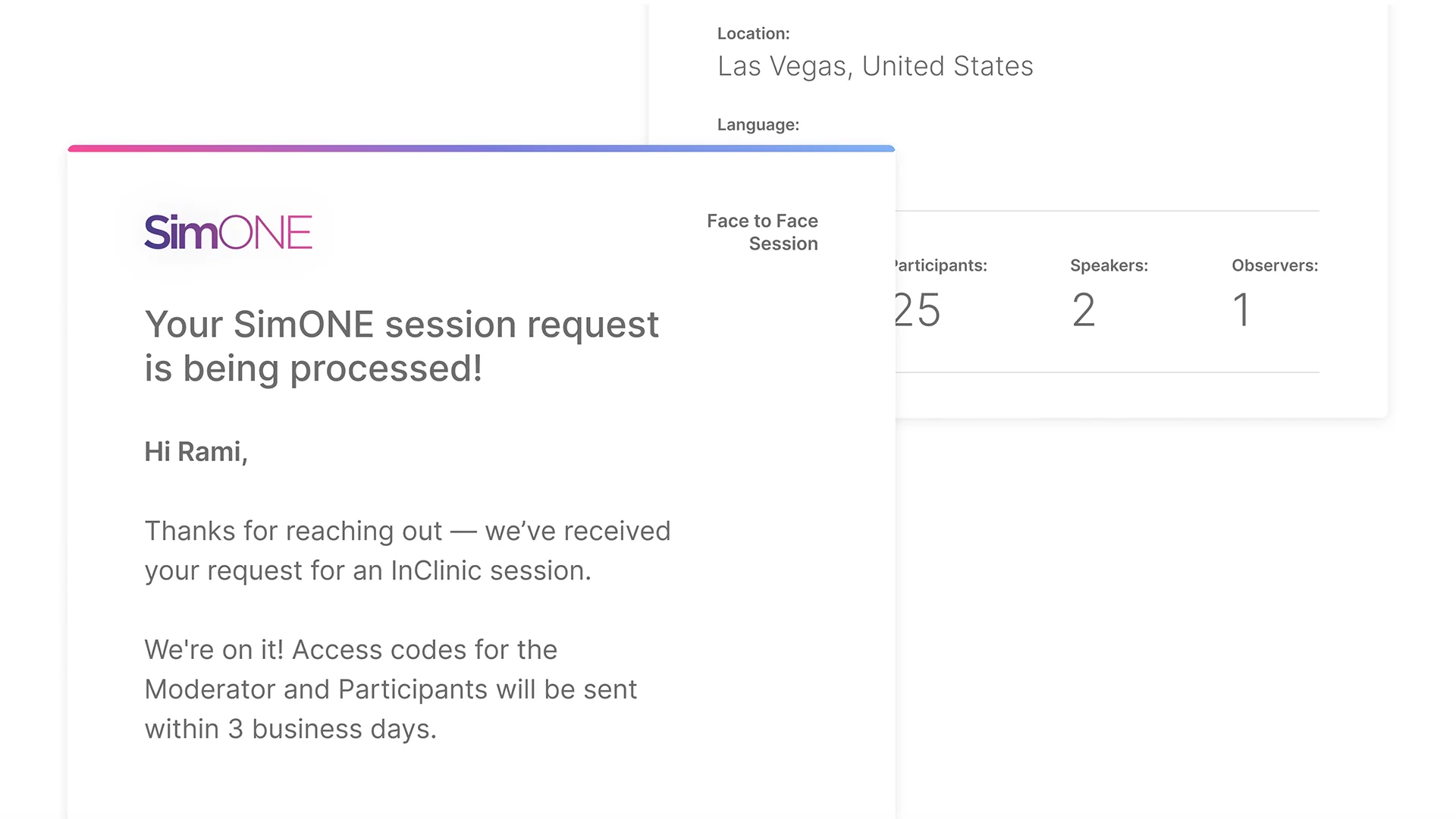
A confirmation email containing your session codes is sent within a few minutes. If you do not receive it, check your spam or junk folder or use Resend codes in the Dashboard. For additional assistance, contact us at: simone_dashboard@yamagroup.com.
Step-by-step instructions: How to Create a Session.
A confirmation email containing your session codes is sent within a few minutes. If you do not receive it, check your spam or junk folder or use Resend codes in the Dashboard. For additional assistance, contact us at: simone_dashboard@yamagroup.com.
Step-by-step instructions: How to Create a Session.
2
Send Invitations
After creating the session, you will receive two emails:
- Session Codes Confirmation Email: Contains session details and access codes for the Moderator, Participant, Observer, and Speaker.
- Participant Invitation Email: A branded and personalized invitation per session, including the participant access codes ready to forward.
Instruction: Simply forward the branded email invitation to
your
participants and share the appropriate access codes with users according to their assigned
roles.
3
Connect
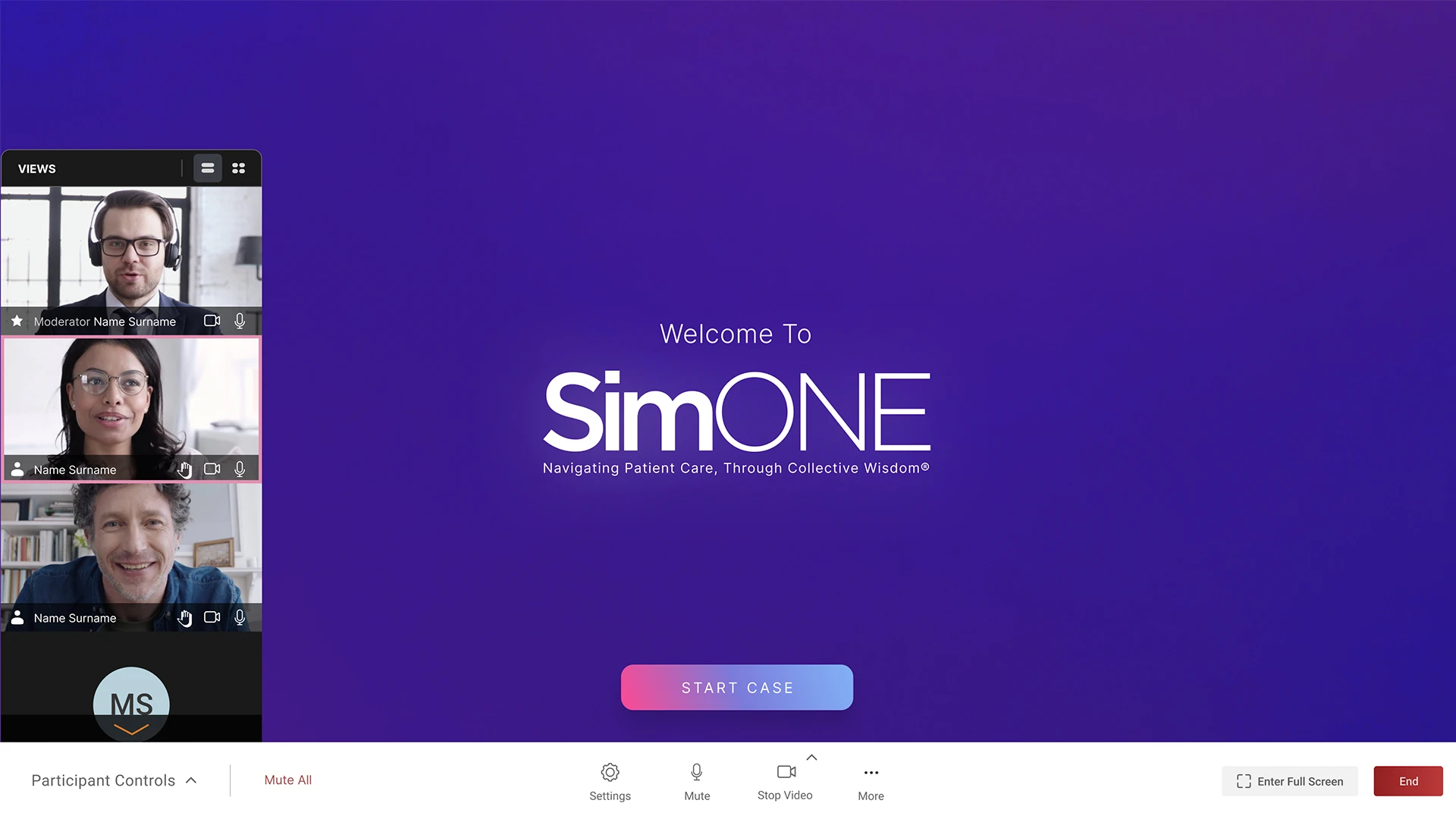
- Attendees join using their assigned code.
- Log in, select the case, and get ready to experience it together.
Want to review the case before the session day?
You can! Moderators can preview the case before the session using their codes. On the day of the event, the case will start fresh for the live session.
You can! Moderators can preview the case before the session using their codes. On the day of the event, the case will start fresh for the live session.